

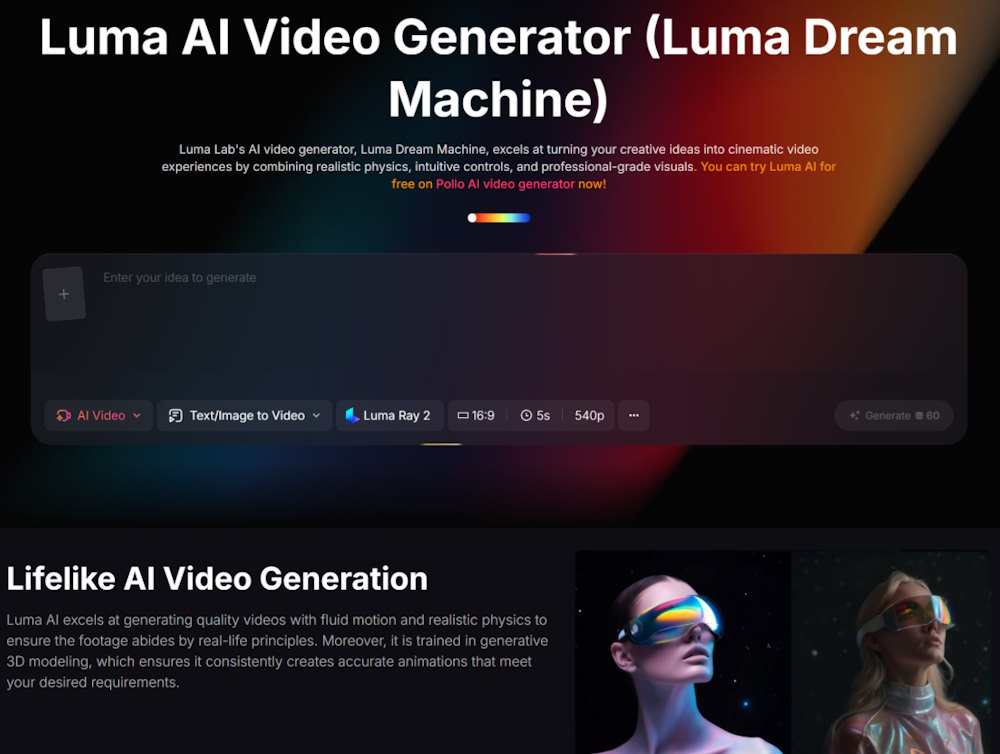
Cinematic-quality video used to be a luxury problem. To get the look of a properly shot film, you needed expensive cameras, professional lighting, and — more importantly — years of accumulated knowledge about composition, color, and visual storytelling. None of that came cheap, and none of it could be shortcut. AI video generation is starting to change that equation, and among the models leading the charge, Luma AI’s Dream Machine has earned a particular reputation for handling realistic physics, fluid motion, and the kind of cinematic feel that’s historically been hard to fake.
What separates Luma’s video model from most of the field is how it was trained. The majority of AI video generators essentially treat video as a 2D problem — they generate sequences of frames that look plausible next to each other, and hope the motion holds together. Luma takes a fundamentally different approach by incorporating 3D spatial understanding and physics awareness into the generation process.
The practical effect is that the output respects how the real world works. Objects moving from foreground to background scale at the right rate. Water actually flows the way water flows. Light falls on surfaces in ways that feel grounded rather than artistically guessed. These are the kinds of details viewers don’t consciously notice when they’re correct, but immediately notice when they’re off.
This is where Pollo AI becomes useful as an access point. Rather than signing up for half a dozen separate model subscriptions, you can run the Luma AI video generator directly through Pollo AI alongside other leading models, comparing outputs and switching between tools depending on what each project needs. For creators who don’t want to commit to a single ecosystem, this kind of unified access matters more than it sounds.
The training on 3D data shows up most clearly in scenes involving camera movement and depth. Try generating a dolly shot through an interior space using a typical 2D-trained model, and you’ll see geometry warp and shift between frames in subtle but disorienting ways. Luma maintains consistent spatial relationships across the shot, which is technically harder than it sounds and makes the difference between “interesting AI clip” and “actually usable footage.”
Not every video project needs photorealism. A lot of social content thrives on stylized, effects-heavy visuals where the goal is grabbing attention, not convincing anyone that the footage is real. But certain use cases live or die on visual credibility, and these are where Luma earns its keep.
Real estate walkthroughs need to give viewers an honest sense of space. Premium product visualization can’t afford to look “almost right” — the moment the lighting feels artificial, the brand feels cheap. Educational content about physical processes loses its teaching value if the physics is wrong. Film previsualization needs to give directors and DPs something they can actually plan around. In all of these scenarios, a model that respects real-world motion principles is dramatically more useful than one that just produces visually striking but physically incoherent clips.
There’s also a quieter use case worth mentioning: anything that will be viewed on a large screen. An AI video that looks fine in a 9:16 mobile feed often falls apart when projected on a TV or monitor, because the larger format gives viewers more time and pixels to spot inconsistencies. Cinematic-grade output holds up better to that kind of scrutiny.
One thing I appreciate about working with Luma is how forgiving it is with prompts. Many AI video tools punish you for short or vague descriptions, producing weak output until you learn the specific incantations the model responds to. Luma’s enhanced prompt feature handles a lot of that translation for you, taking simple inputs and filling in the visual and motion details based on its training.
This matters because it lowers the friction for non-specialists. A small business owner who just wants a 10-second product clip shouldn’t need to learn cinematography vocabulary to get a decent result. The model meeting users where they are — rather than demanding they meet it — is one of the more underrated improvements in this generation of tools.
The AI video space contains tools with wildly different origins and target audiences, and it’s worth understanding the contrast. Vyond is a good example — it grew out of GoAnimate and has spent years building itself into an enterprise-focused platform for business animation, training content, and corporate communications. Roughly two-thirds of Fortune 500 companies now use it for internal video production, which tells you exactly who it’s optimized for.
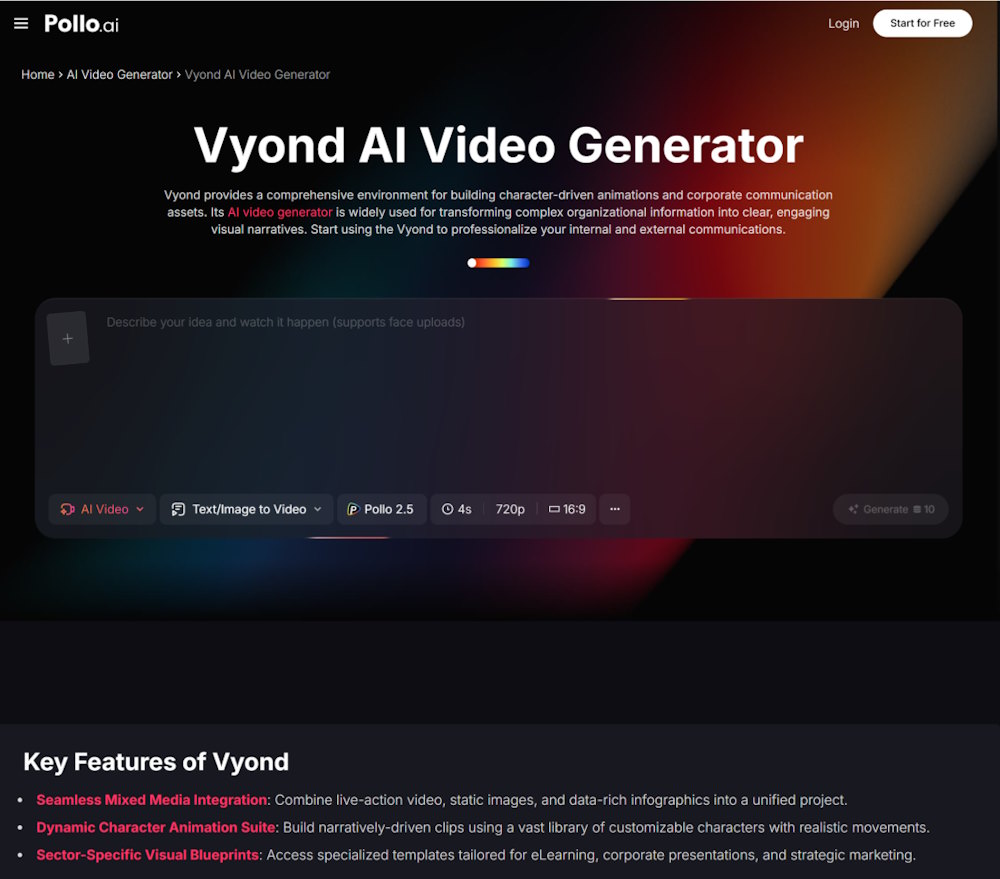
Vyond’s strengths are structured workflows, governance features, and the kind of polished animated output that L&D teams and corporate comms departments need. It includes modes like Vyond Go for instant text-to-video and Vyond Studio for more granular timeline editing, plus avatar and voice features tuned for business use cases. What it isn’t built for is cinematic realism — that’s not the problem it’s solving.
This is why thinking about AI video tools as a single category often leads people astray. Vyond and Luma aren’t really competitors; they serve different moments in a content strategy. Vyond handles the training video explaining your new HR policy. Luma handles the brand film that opens your product launch. Both can live in the same workflow without overlapping much.
The split between animated explainer platforms and physics-aware cinematic generators is one of the cleanest divides in the current market. Animated tools excel at clarity — they’re designed to convey information cleanly and without distraction. Cinematic generators excel at evocation — they’re designed to make viewers feel something. Knowing which mode your project needs is half the battle.
Anyone working with AI video right now has to make peace with how quickly the ground shifts. Capabilities that genuinely impressed people six months ago now feel routine. Models like Luma represent the current state of the art, but the state of the art keeps moving — usually faster than anyone predicts.
The practical takeaway is that the creators who get the most out of these tools long-term are the ones who build familiarity now. Learning how to prompt for cinematic results, understanding which models suit which use cases, and developing an eye for what AI video does well versus where it still struggles — these are skills that compound. The next generation of capabilities will arrive on top of the muscle memory you build today, not as a replacement for it.