

Image to Text Converter is a web-based OCR tool that helps you extract text from images. The tool has a huge online audience that uses it regularly for various purposes, such as copying text from images to avoid typing. However, the core use of the tool is document digitization. Today, we are going to review this tool for you and check how efficient it is at extracting text from images.
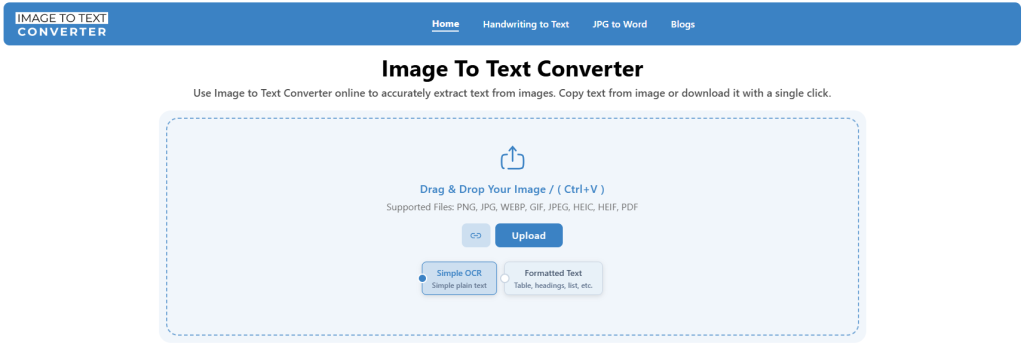
Imagetotextconverter.net (Image to Text Converter) is a free tool that offers both Simple OCR and Formatted Text extraction from images. The tool supports bulk conversion and has the ability to fetch input from a public URL of images.
Extracting text from images seems to be really easy with this free tool. To convert an image into text, all that’s required is:
The biggest point that makes Image to Text Converter different from other online OCR tools is that it delivers both raw and formatted results for free. The tool offers two methods to convert an image into text.
If an image is converted using simple OCR, you get raw results that are free to copy and download. If an image is converted using the Formatted Text method, you get organized results. The format of the text is retained as in the original image. This includes tables, indents, and other elements as well.
To assess how well Image to Text Converter extracts text from the images, we are going to run three tests.
The first test we are conducting uses an image of handwritten text.
We uploaded the image of handwritten text to imagetotextconverter.net. The text in the image is a simple note written on plain paper.
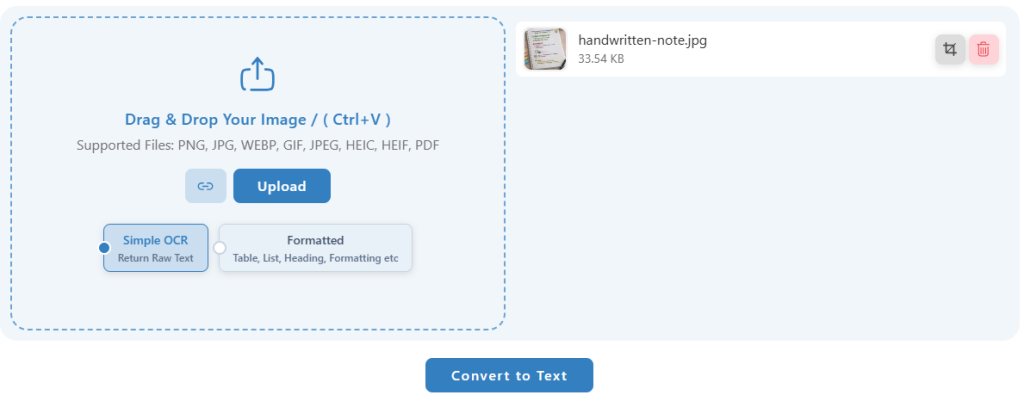
We initiated the conversion with Simple OCR by clicking ‘Convert to Text’.

Here are the results we got after conversion:
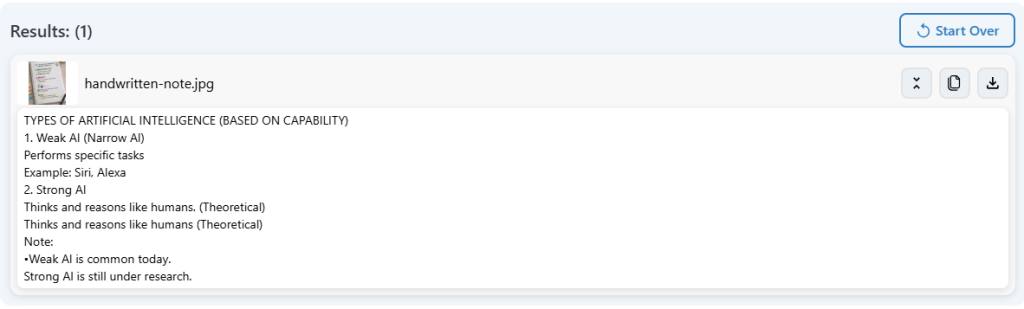
The tool successfully extracted the main content from the handwritten note and made it available as editable text. This can save time when you need to digitize handwritten notes. The rest of the text extraction is efficient.
In this test, we will run images of digitally printed text on paper. The notes contain a mix of words, numbers, and mathematical equations. Let’s check how well the tool processes printed text.
We uploaded the image to the tool:
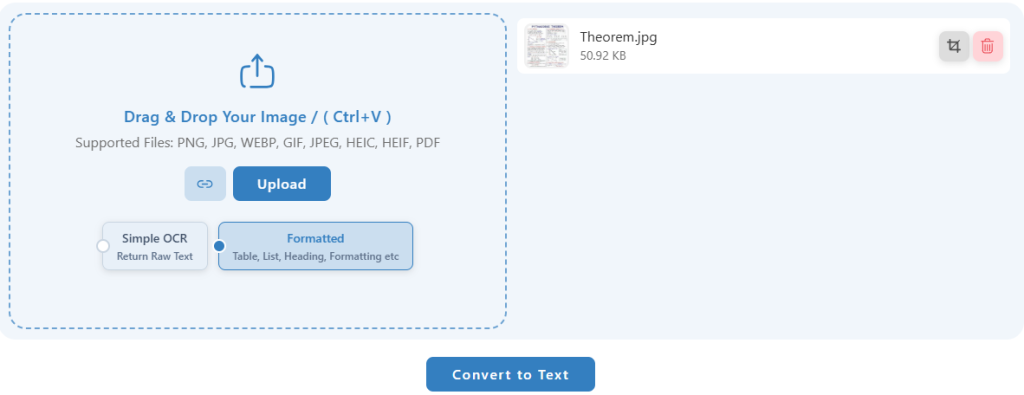
To test the tool to its full potential, this time we are initiating the conversion using ‘Formatted Text’. Here are the results the Image to Text Converter delivered this time.
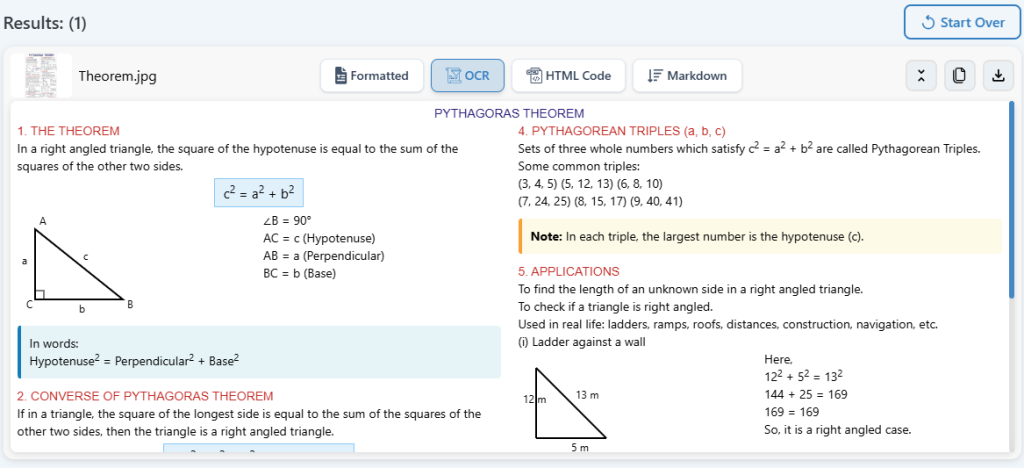
The results seem very good. The tool has provided the copyable text well formatted as in the original image. It also handled the numbers and mathematical text. In fact, the tool performed better on printed text than on handwritten text.
Now we are going to run a screenshot of some student notes through imagetotextconverter.net and check how well it delivers this time.
We uploaded multiple screenshots containing Spanish text to the tool so we can test the bulk and multilingual processing as well.
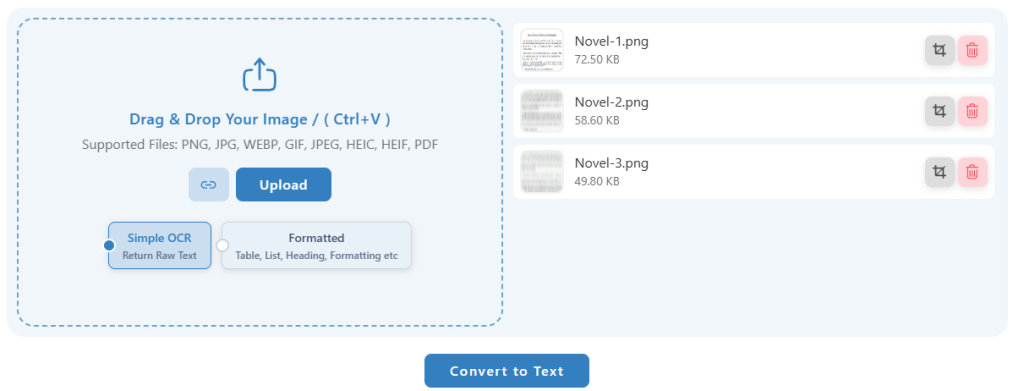
We proceeded with simple OCR this time, and here are the results we got this time:
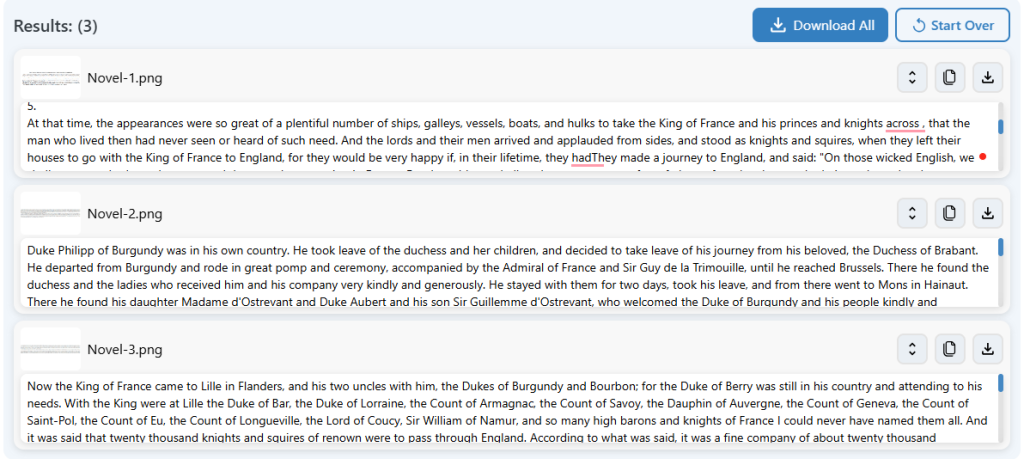
Image to Text Converter efficiently extracted the text from screenshots written in a non-native language. For further access, we downloaded the PDF version of the converted text, which delivered well-organized and formatted results.
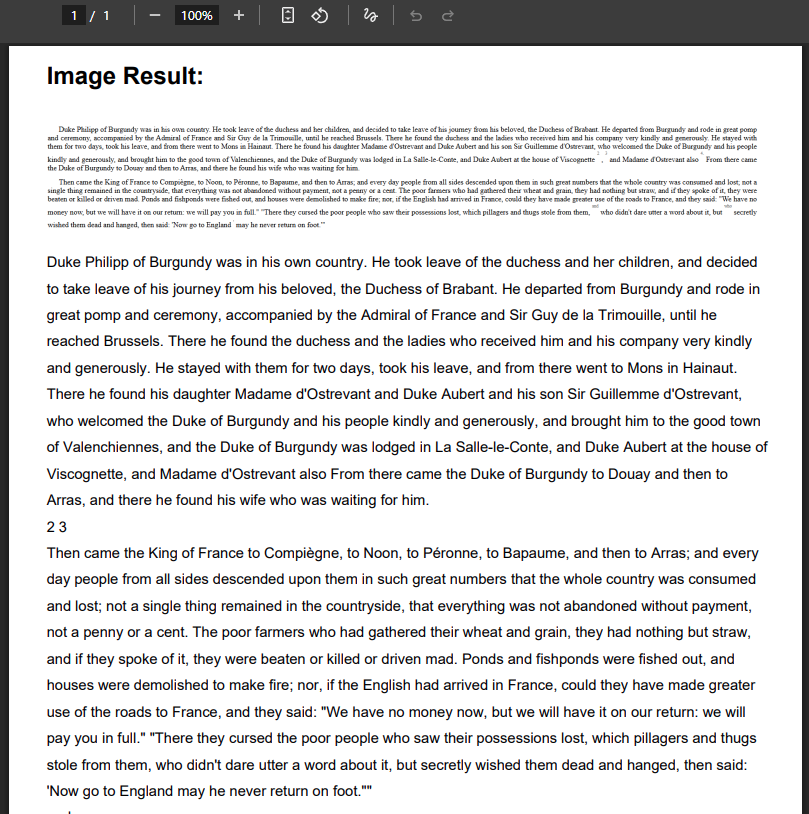
The bulk-upload feature made it easier to process multiple screenshots in one go, reducing the need to upload each image separately. Users can then download the extracted text in the format that best suits their needs.
Image to Text Converter is a useful free tool for extracting text from handwritten notes, printed documents, and screenshots. It delivers good results and keeps the original text format when needed. Overall, it is a good choice for quick text extraction without signing up or paying.